$225.26

Stok Var
  • 100% Quality
  • Affordable Price
  • Fast Delivery
Category:

How to Use

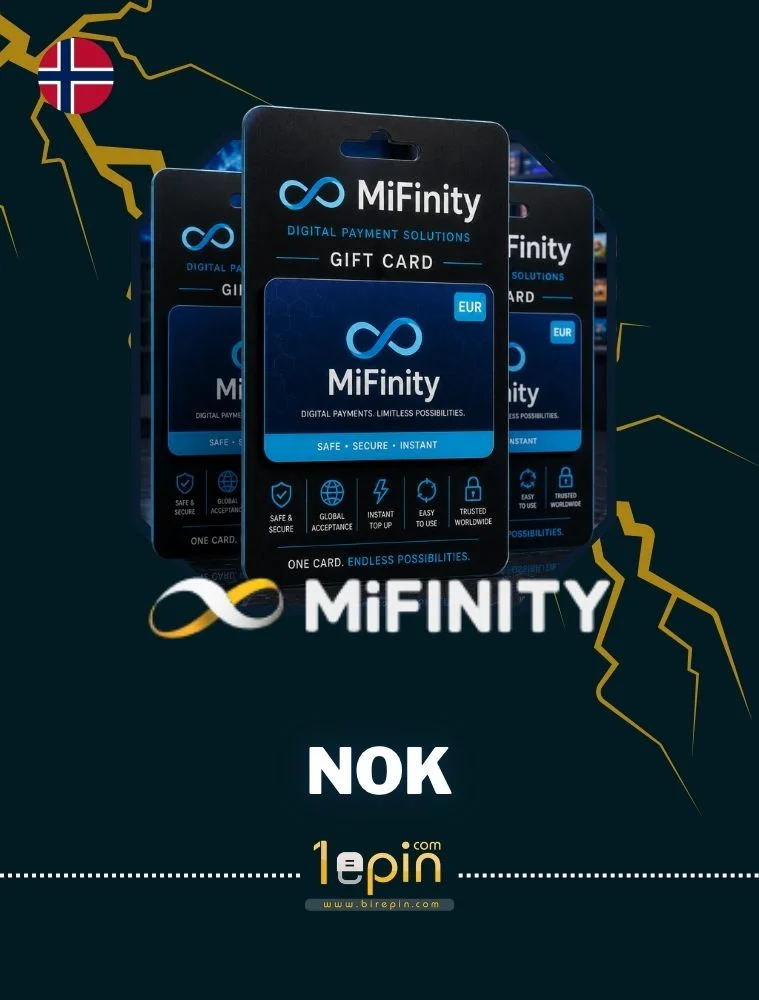
To use and redeem your MiFinity NOK voucher code is very simple. Take a look: • Log in to your MiFinity account, or create a new one; • Select “Deposit” and select the “MiFinity eVoucher” option; • Choose the MiFinity eWallet you want to add funds to; • Add the currency and the exact amount of your MiFinity eVoucher; • Click on “Make payment” and enter your 20-digit PIN to add the funds to your account. Validity: 1 Year.

Description

MiFinity voucher is a versatile online payment facilitator that makes digital transactions a breeze. Ideal for users who prefer not to use traditional banking methods, it allows you to top up your digital wallet and payment account for MiFinity