











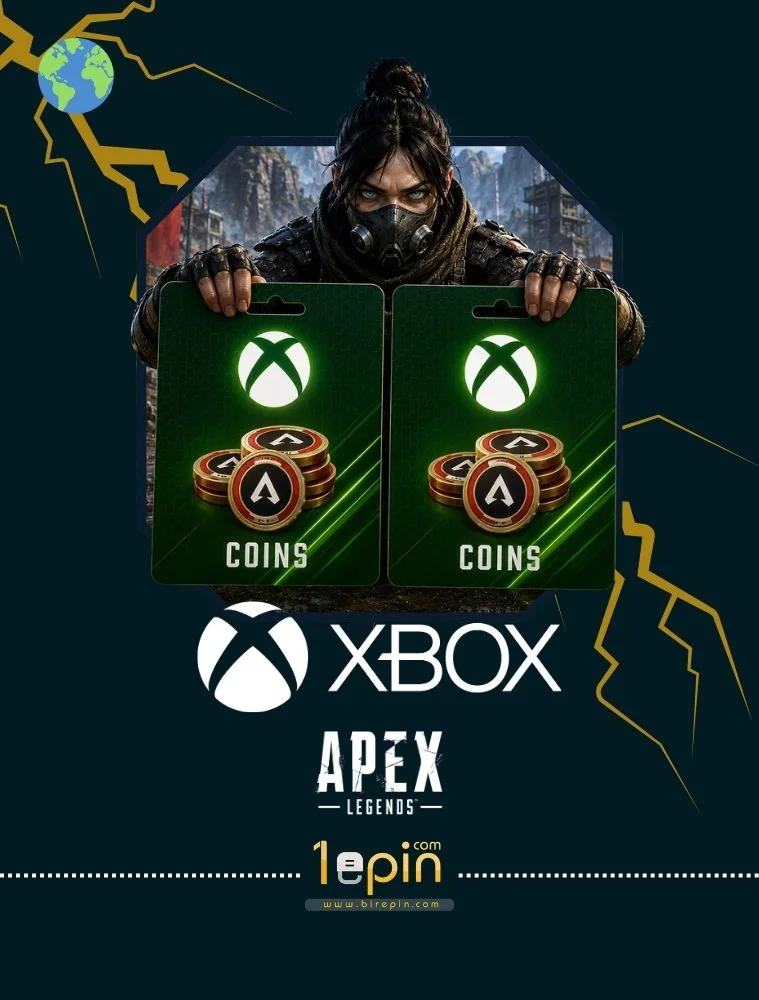
$9.04

Stok Var
  • 100% Quality
  • Affordable Price
  • Fast Delivery
Category:

How to Use

  • Sign in to the Microsoft account connected to your Xbox profile.
  • Open the Microsoft/Xbox Redeem page.
  • Enter your 25-character digital code.
  • Confirm the redemption.
  • Launch Apex Legends using the same Xbox account.
  • Your Apex Coins will be added to your in-game balance.

Important: Make sure the code region matches your Microsoft/Xbox account region. Apex Coins are tied to the account used during redemption and cannot be transferred to another account.

Description

Apex Legends Coins Xbox are the premium in-game currency used in Apex Legends on Xbox. You can use Apex Coins to purchase Battle Passes, cosmetic items, character skins, weapon skins, Apex Packs, and other eligible content available in the in-game store.

Apex Coins allow you to customize your favorite Legends, unlock premium rewards, and enhance your experience throughout each season. After redeeming the code, the balance will be added to the connected Xbox account for use in Apex Legends.

Your digital Apex Legends Coins code is delivered instantly after purchase, allowing you to redeem it within minutes and start using your balance in the game.