











$56.68

Stok Var
  • 100% Quality
  • Affordable Price
  • Fast Delivery
Category:

How to Use

How to Redeem Apple Gift Card Russia

  1. Open the App Store on your Apple device.
  2. Sign in to your Russian Apple account.
  3. Tap your profile icon in the top-right corner.
  4. Select "Redeem Gift Card or Code".
  5. Select "Enter Code Manually".
  6. Enter your Apple Gift Card code.
  7. Tap "Redeem" to complete the process.

Once successfully redeemed, the balance will be added to your Apple account.

Important: Make sure your Apple account country or region is set to Russia before redeeming the code.

Description

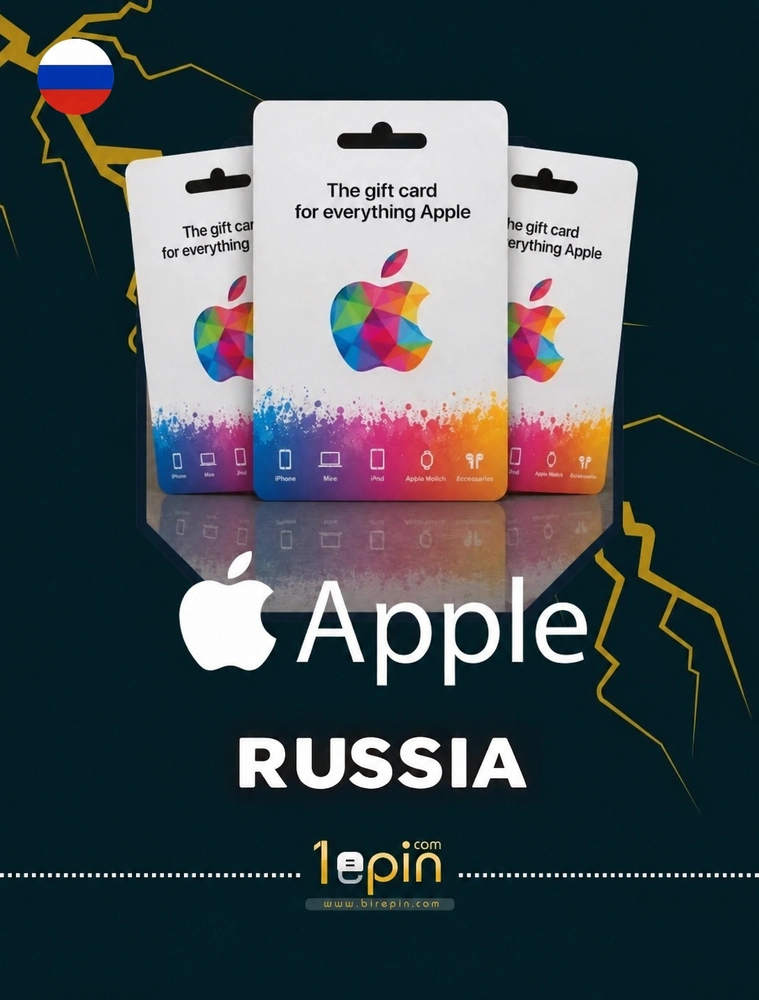
Apple Gift Card Russia

Apple Gift Card Russia is a digital gift card designed for Apple accounts registered in Russia. Easily add RUB balance to your Apple account and enjoy your favorite digital content.

Use your Apple Gift Card to purchase eligible apps, games, in-game content, and Apple services, subject to regional availability.

Product Features

  • Currency: Russian Ruble (RUB)
  • Region: Russia
  • Digital gift card code
  • Fast digital delivery
  • No physical card required

Important: This gift card is only compatible with Apple accounts registered in Russia.