








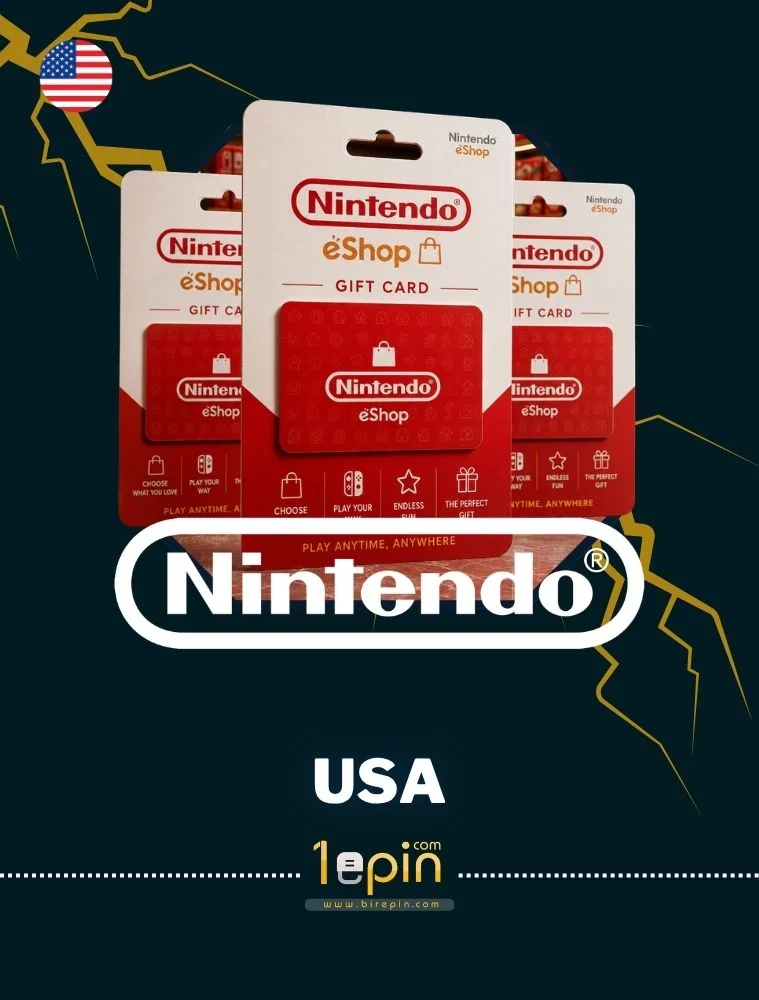
Nintendo

Nintendo USA 5 USD Nintendo USA 5 USD

230,16 TL

Current USD Price : 4.89 $
Stok Var
Stok Var
Nintendo USA 10 USD Nintendo USA 10 USD

435,82 TL

Current USD Price : 9.26 $
Stok Var
Stok Var
Nintendo USA 20 USD Nintendo USA 20 USD

881,76 TL

Current USD Price : 18.73 $
Stok Var
Stok Var
Nintendo USA 35 USD Nintendo USA 35 USD

1543,09 TL

Current USD Price : 32.77 $
Stok Var
Stok Var
Nintendo USA 45 USD Nintendo USA 45 USD

2071,28 TL

Current USD Price : 43.99 $
Stok Var
Stok Var
Nintendo USA 50 USD Nintendo USA 50 USD

2204,42 TL

Current USD Price : 46.81 $
Stok Var
Stok Var
Nintendo USA 70 USD Nintendo USA 70 USD

3221,95 TL

Current USD Price : 68.42 $
Stok Var
Stok Var
Nintendo USA 99 USD Nintendo USA 99 USD

4556,79 TL

Current USD Price : 96.77 $
Stok Var
Stok Var

Ürün Açıklaması

ABOUT NINTENDO

Nintendo is a Japan-based game and game console manufacturer. Founded in 1889, the company initially operated as a playing card manufacturer. Later, it transitioned into the gaming sector and focused on developing game consoles and video games.

One of Nintendo's most famous game consoles was the Nintendo Entertainment System (NES). The NES had a major impact on the gaming industry in the late 1980s and early 1990s and made it possible to release iconic games such as Super Mario Bros., The Legend of Zelda and Metroid. Following the success of the NES, Nintendo released many more consoles. These include the Super Nintendo Entertainment System (SNES), Nintendo 64, GameCube, Wii, Wii U and, most recently, the Nintendo Switch.

How to Use

  1. Nintendo Switch konsolunuzu açın ve ana menüye gidiniz.
  2. "Nintendo eShop" simgesini bulunuz ve üzerine dokununuz.
  3. "Nintendo eShop" açıldığında, sol üst köşede bulunan hesap simgesine dokununuz.
  4. Hesabınıza giriş yapın veya yeni bir hesap oluşturun (eğer zaten giriş yapmışsanız bu adımı atlayabilirsiniz).
  5. Hesabınıza giriş yaptıktan sonra ana menüye geri dönün ve tekrar "Nintendo eShop" simgesine dokununuz.
  6. "Nintendo eShop" içinde, sol alt köşede "Enter Code" (Kodu Gir) seçeneğini bulun ve üzerine dokununuz.
  7. Karşınıza bir metin kutusu çıkacak. Nintendo Switch anahtarınızı (25 haneli alfa-numerik bir kod) girin ve "Done" (Tamam) düğmesine dokununuz.
  8. Anahtarınız doğruysa, oyunun adı ve resmiyle birlikte bir onay ekranı görüntülenecektir.
  9. "Confirm" (Onayla) düğmesine dokunarak anahtarın kullanımını onaylayınız.
  10. Oyun, Nintendo Switch konsolunuza indirilecek ve ana menüde görüntülenecektir.
++


